Full body
1200 × 1800 PNG
Show the whole outfit from hair to shoes. Useful for character references, story casts, and role-play sheets.
Pick a part or randomize your character.
Free browser-based character creator
Build a character from layered parts. Choose every detail yourself or press Randomize, then save a full-body image or square profile picture.
No account. No upload. Your character is saved only in this browser.
One design, two outputs
Your parts and colors stay the same when you change framing. Only the crop and PNG dimensions change.
1200 × 1800 PNG
Show the whole outfit from hair to shoes. Useful for character references, story casts, and role-play sheets.
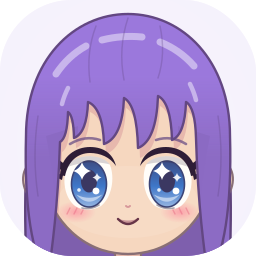
1024 × 1024 PNG
A square portrait crop for social profiles and avatars. Switch framing before downloading; no separate editor is needed.
A character you can reproduce
Each choice is stored as a small piece of character data: a part name, a color, and the framing. Copy link puts that data in the URL, so opening it restores the editable design instead of showing a static screenshot.
The current design also stays in your browser’s local storage. You can close the tab and continue later on the same device. Nothing is uploaded to OC Maker Kit.
How the maker works
Yes. Every available part, color, framing option, share link, and PNG download works without an account or payment.
No. OC Maker Kit combines original vector parts in your browser. The same settings always produce the same character, and changing one part does not reinterpret the others.
No. The preview and PNG are rendered on your device. Autosave uses local browser storage. A design is put in a URL only when you choose Copy link.
Full-body images are 1200 × 1800 pixels. PFP images are 1024 × 1024 pixels. Both are clean PNGs without a watermark.
Yes. Randomize is part of the same history as part and color changes. Use Undo to return to the previous design and Redo to move forward again.